Getting Started
With VoxTour.ai, you can explore cities and discover available tours before signing in.
To start listening to audio stories, a quick sign-in is required.
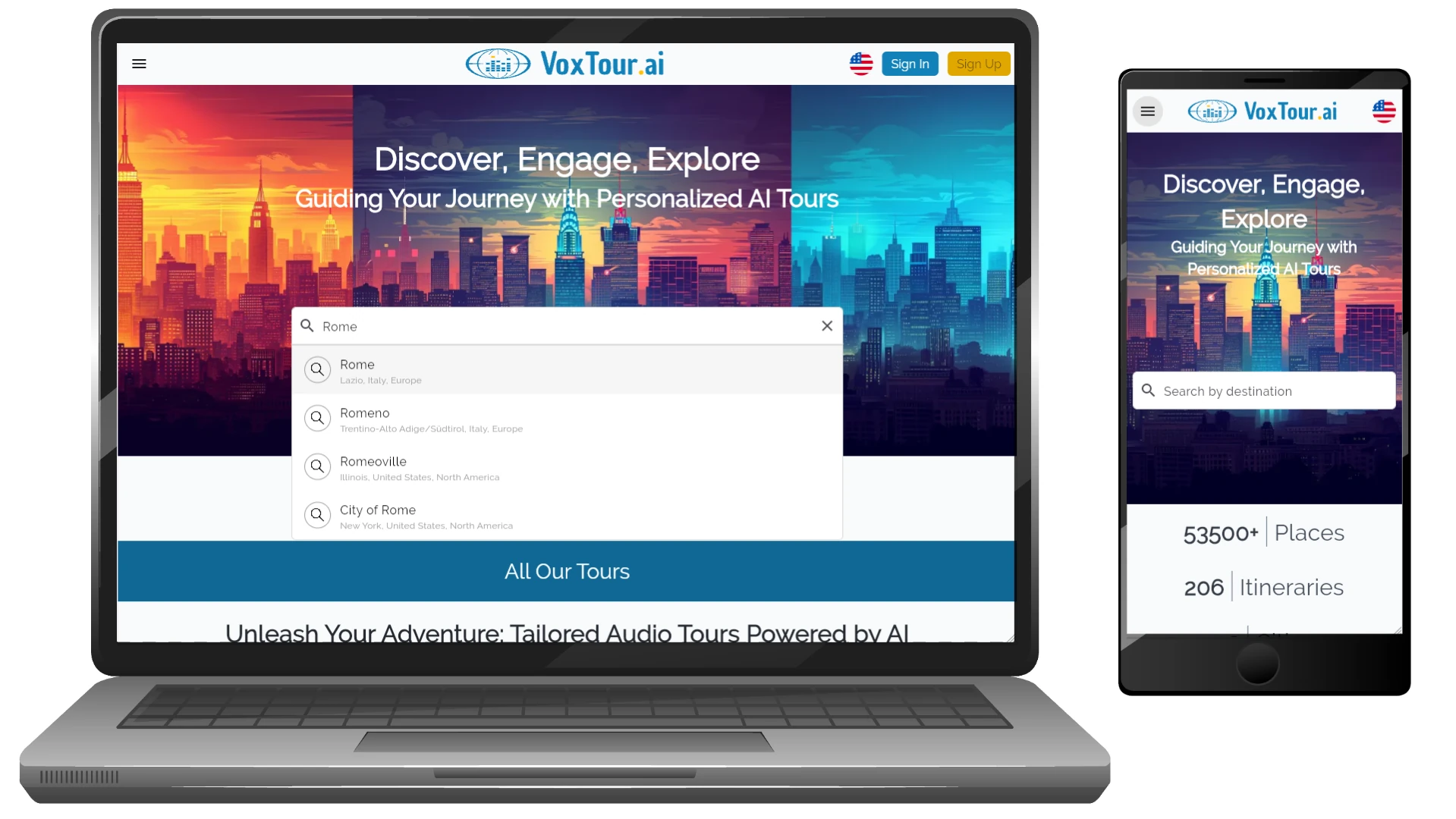
Step 1: Find your city
Use the search bar or browse the map to select a city you’re interested in.
You’ll see a map with audio points and available tours.
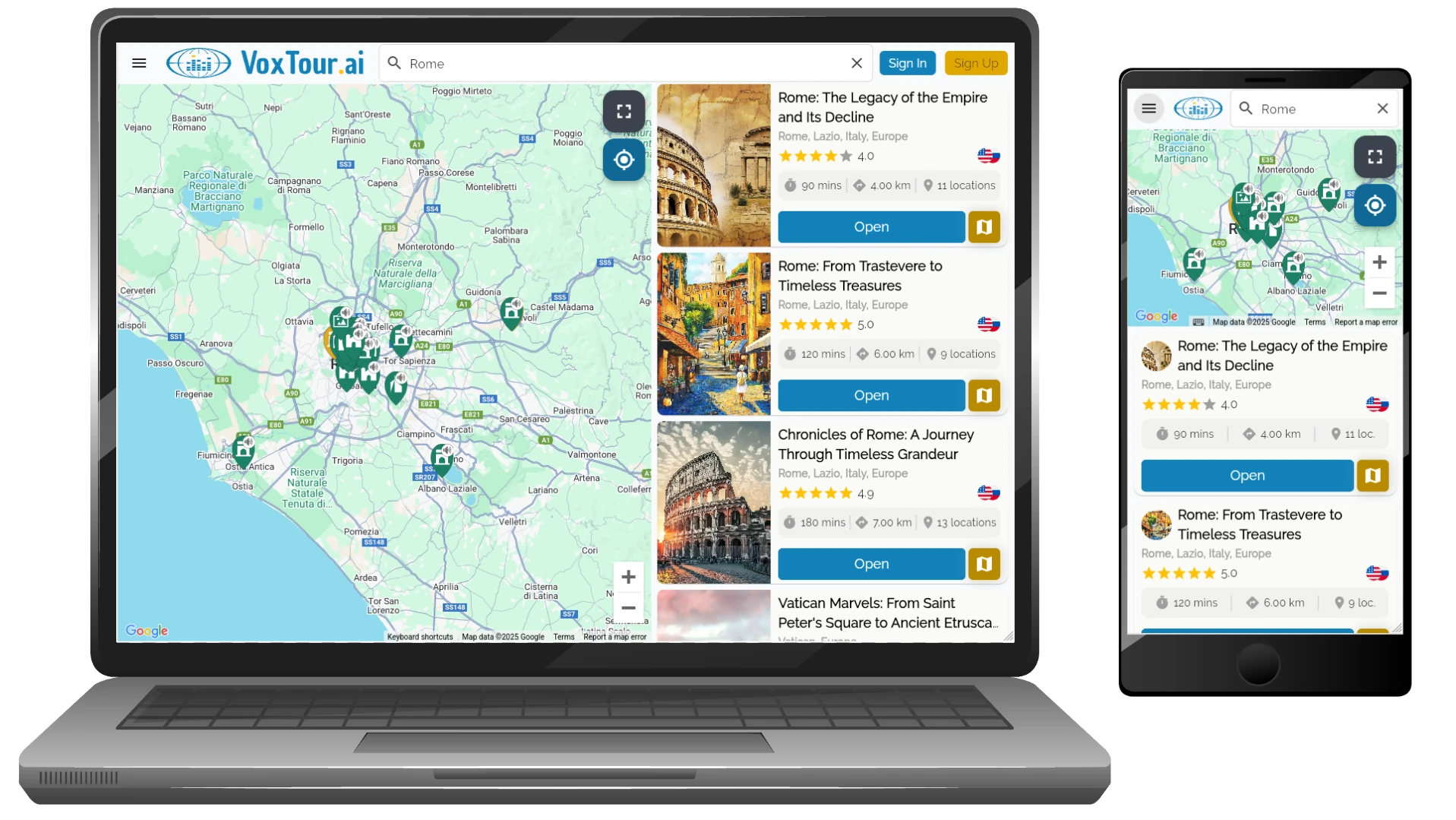
Step 2: Explore the map
Tap on any point or tour to preview what’s available.
You can freely explore the map and see tour details without logging in.
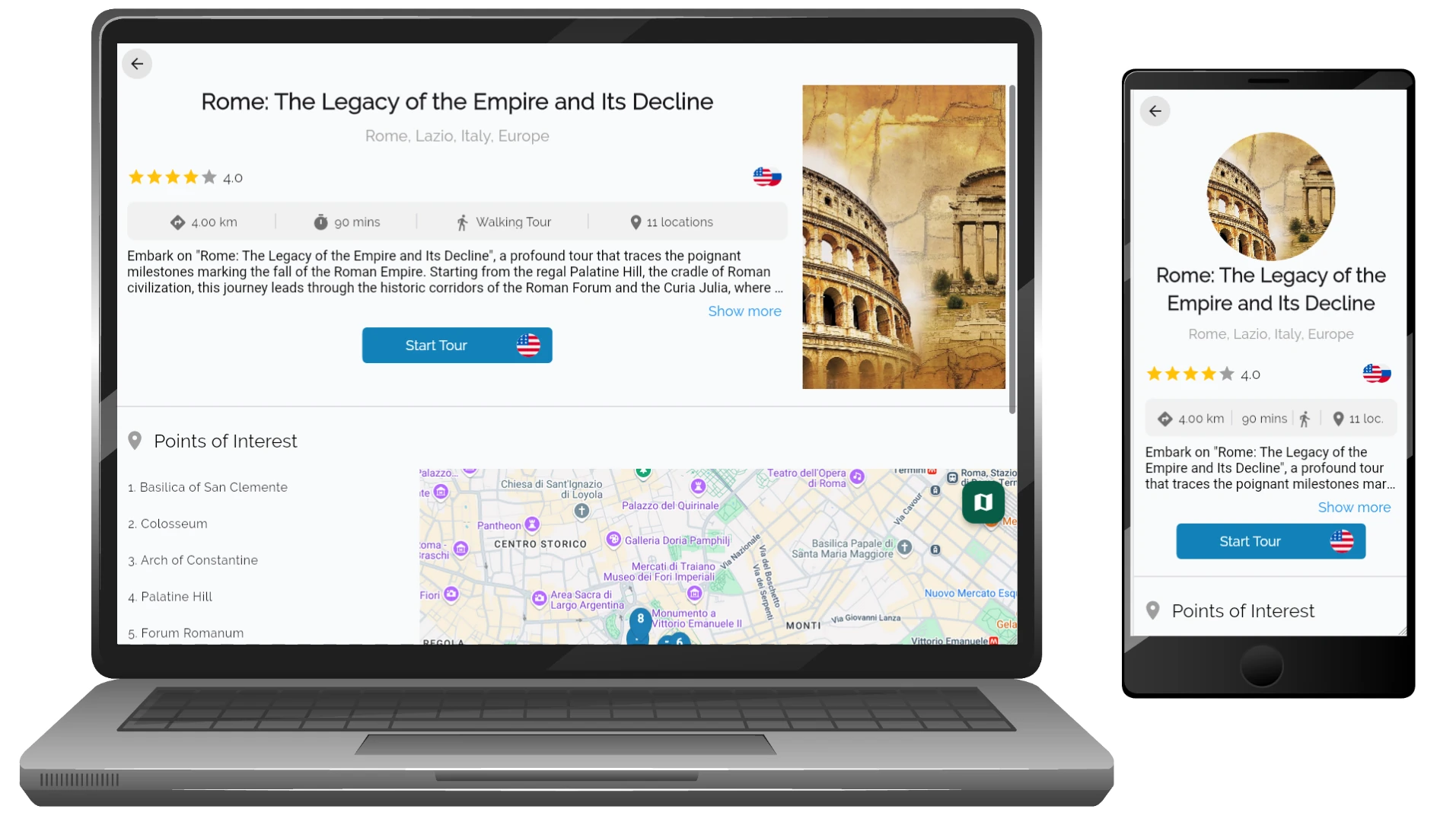
Step 3: Sign in to listen
When you’re ready to listen, sign in or create an account.
This unlocks audio playback and lets you save your progress and favorites.
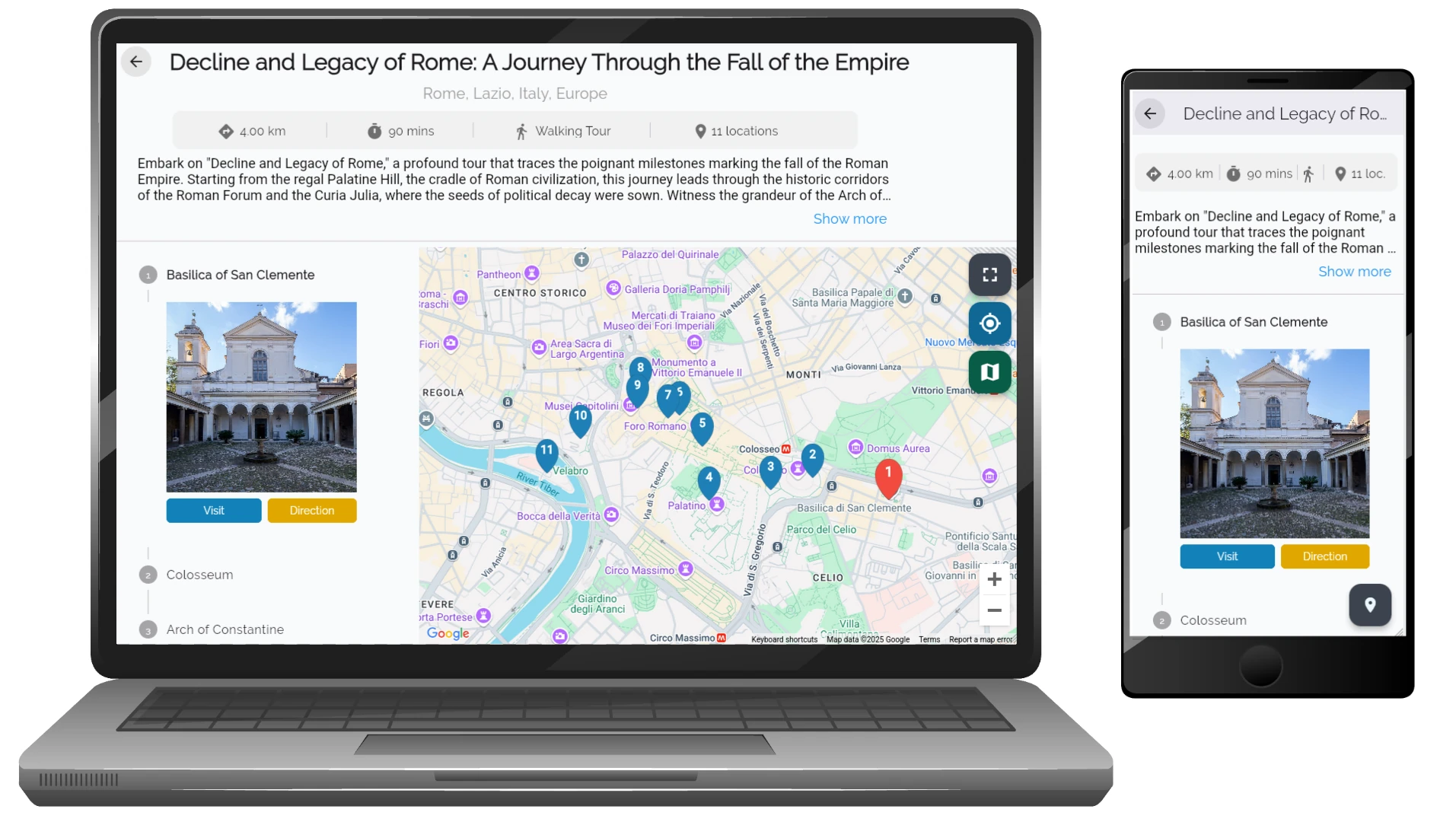
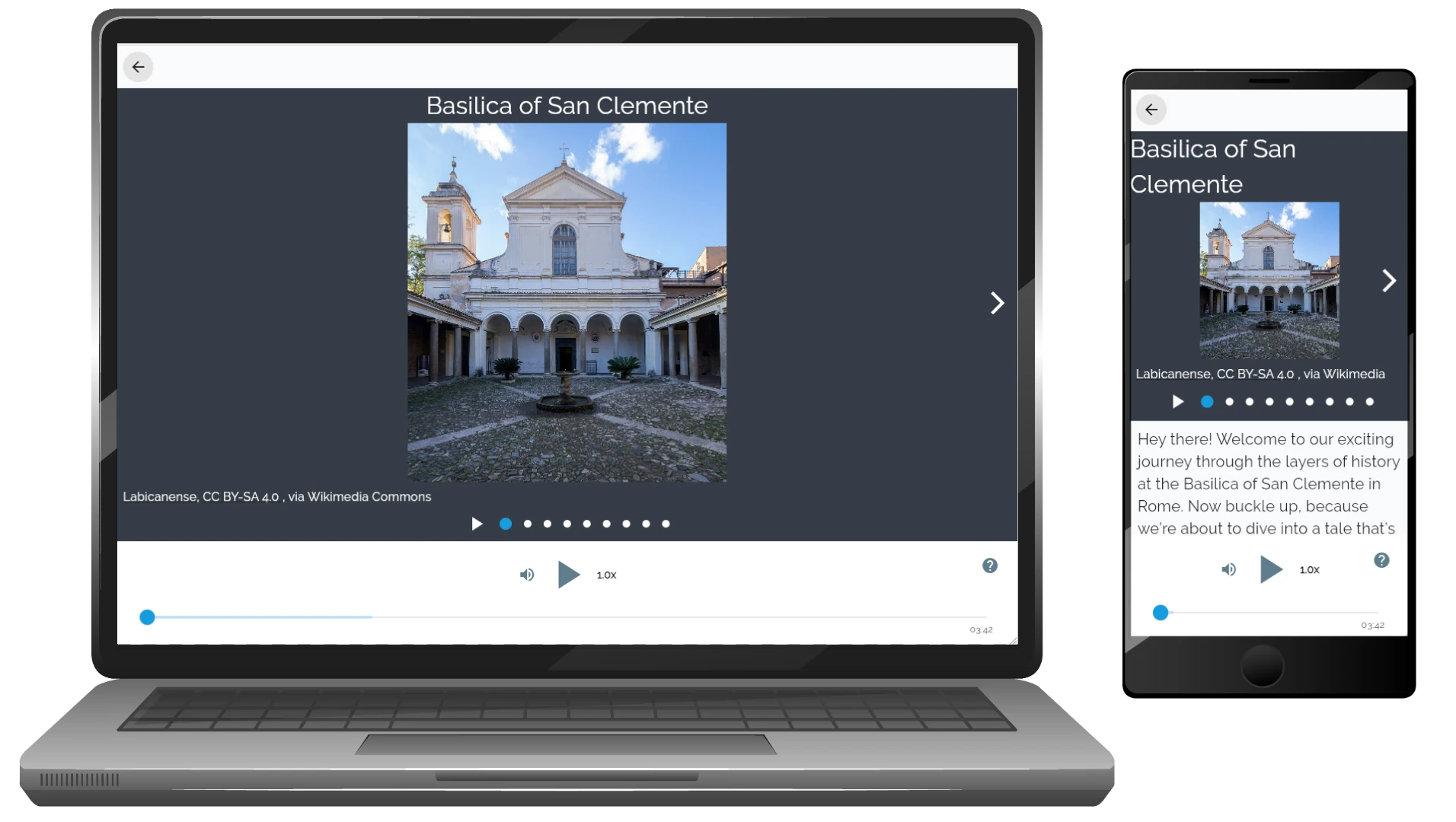
Step 4: Press Play
Select a tour or an individual audio point and tap Play ▶️.
Listen at your own pace in any order, wherever you are.
Tip:
Most tours are available in multiple languages. You can choose the tour language before starting playback. For the best experience, use headphones and download tours in advance if you plan to listen offline.