Smart Exploration Tools (Mobile Only)
VoxTour.ai includes intelligent mobile exploration tools that help you discover stories around you automatically or identify landmarks using AI.
These tools are available from the Smart Tools menu inside the mobile app.
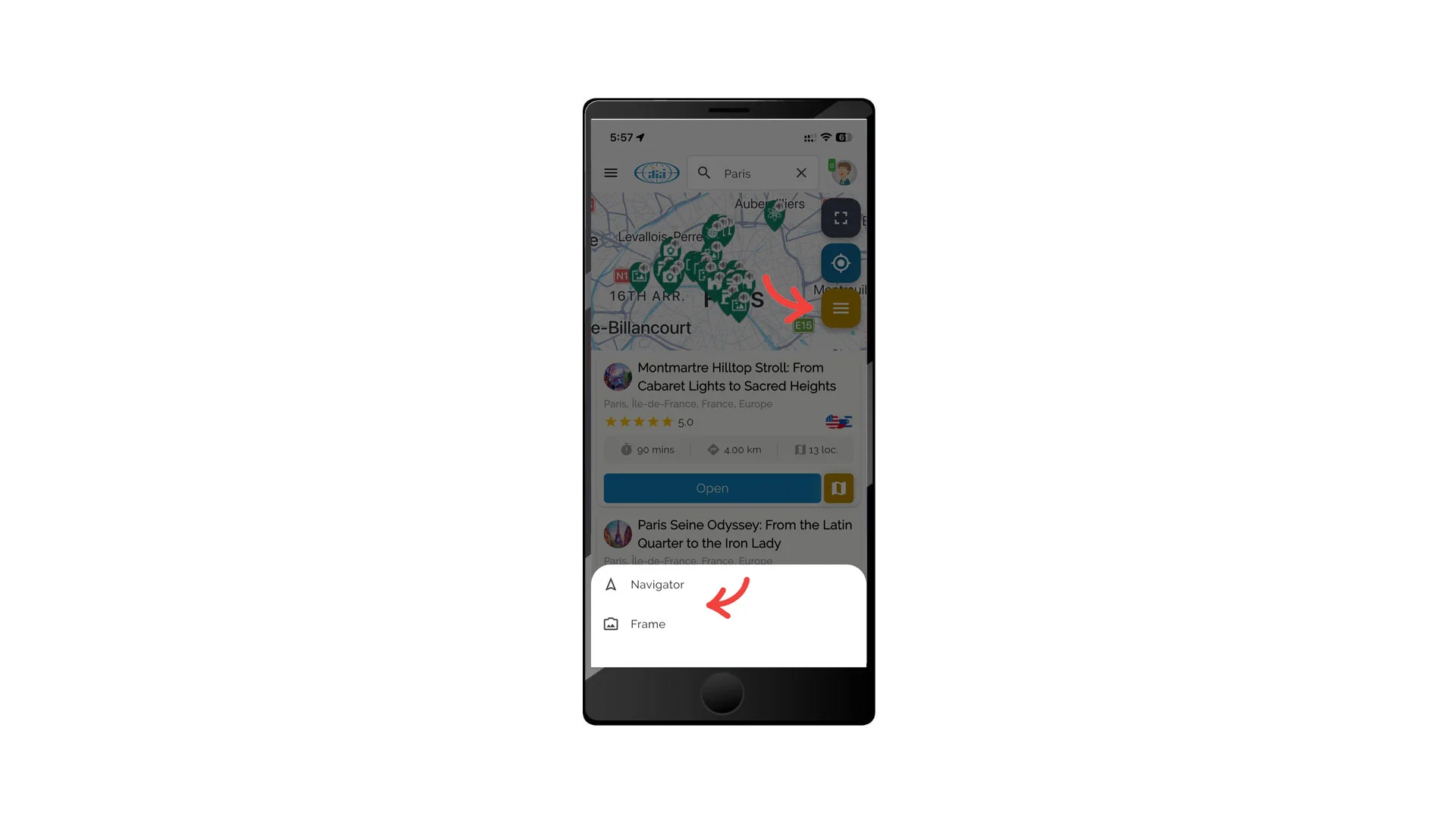
Access Smart Exploration Tools
- Open the VoxTour.ai mobile app
- Open the map screen
- Tap the Smart Tools button
- Select:
- Navigator
- Frame
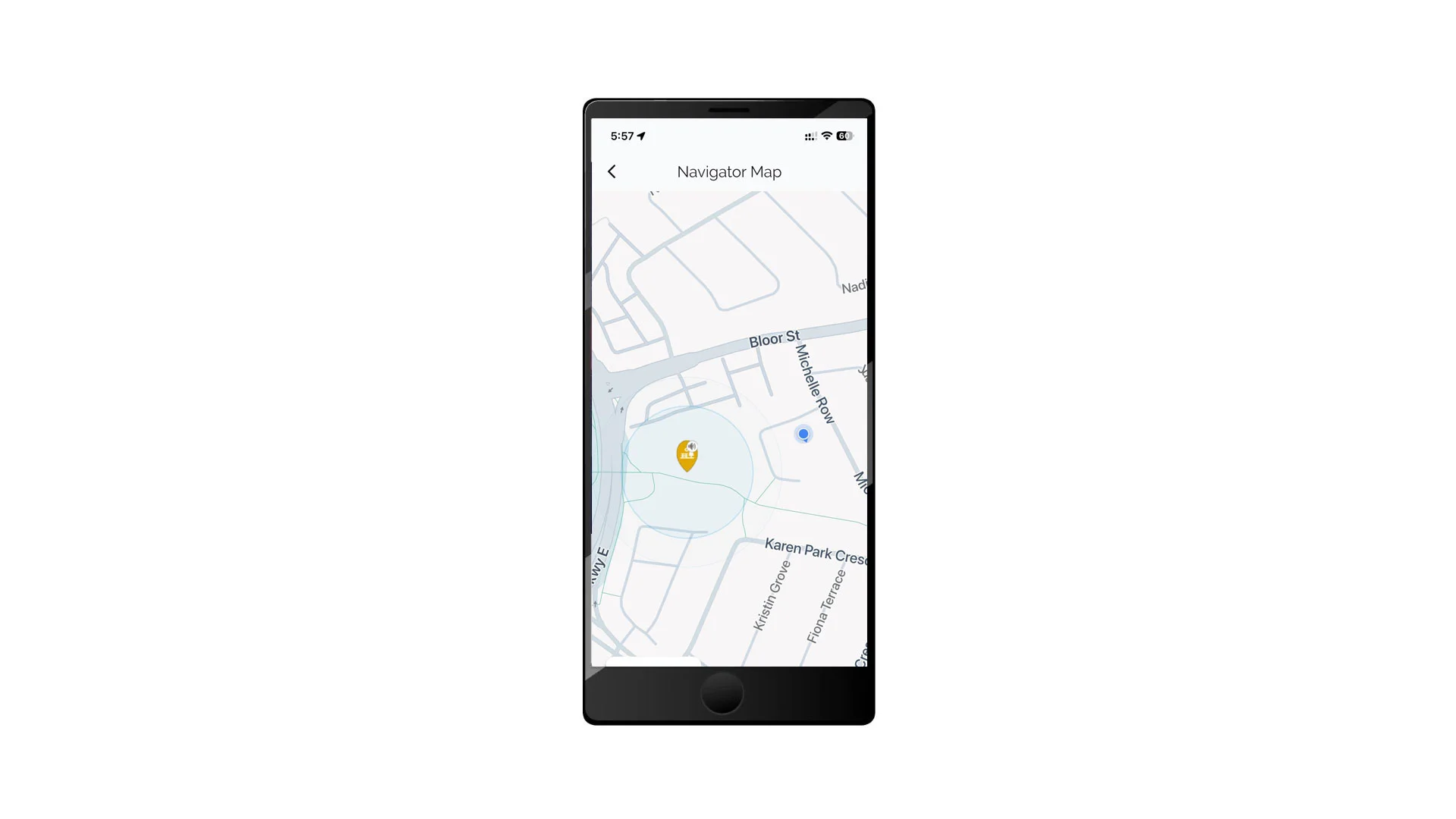
Navigator
Navigator provides automatic, location-aware storytelling while you walk or explore.
How Navigator works
When you activate Navigator:
- The system detects your current location
- VoxTour.ai searches for the closest Points of Interest (POIs) around you
- As you move and cross POI boundaries:
- The app automatically launches the story
- The system determines from which direction you approach
- The story adapts based on your location and movement
Navigator allows you to explore cities naturally without manually selecting stops.
To use Navigator
- Open Smart Exploration Tools
- Tap Navigator
- Allow location access if prompted
- Start walking — VoxTour.ai will automatically guide you
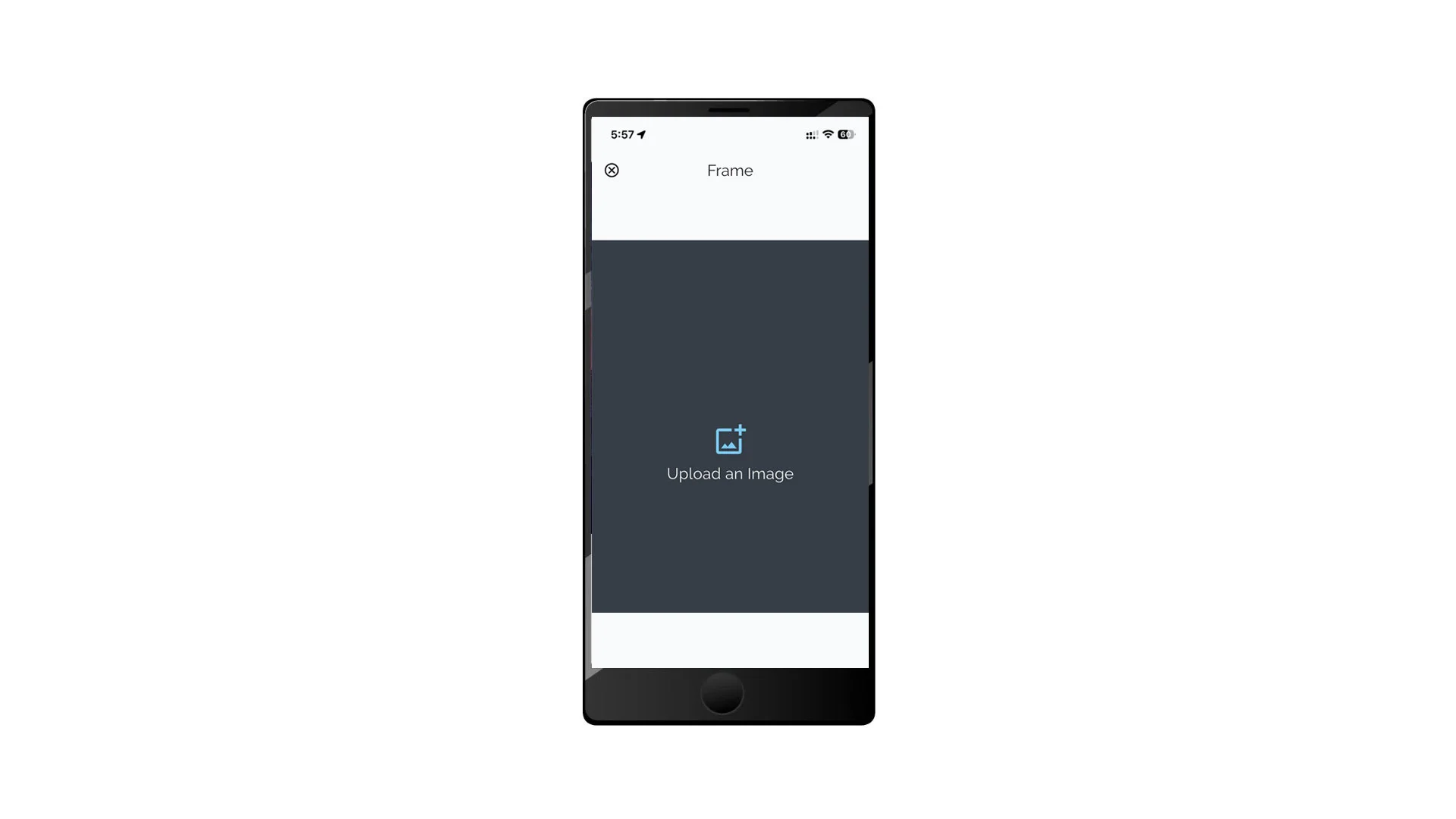
Frame (Image Recognition)
Frame uses AI image recognition to identify landmarks and generate audio stories.
How Frame works
When you use Frame:
- You upload or capture an image of a landmark or object
- VoxTour.ai analyzes the image using AI
- The system identifies the location or object
- A related story or explanation is generated automatically
Frame allows spontaneous discovery without searching or browsing tours.
To use Frame
- Open Smart Exploration Tools
- Tap Frame
- Upload or capture an image
- Wait while the AI processes the request
- The story will be generated once recognition is complete
Tips for Best Results
- Enable location services when using Navigator
- Use clear, well-lit photos when using Frame
- Stand facing the landmark for better recognition accuracy
- Allow a few moments for AI processing when using Frame
⚠️ Smart Exploration Tools are available only on mobile devices.